
Simplify Asset Management with Asset Label QR Code Generator
Managing assets efficiently is a challenge many businesses face. From tracking equipment to monitoring inventory, the process can quickly become overwhelming. But what if there was a simple, smart way to streamline this? Enter the asset label QR code generator. This tool transforms traditional asset management into a seamless, error-free experience. Let me walk you through how QR code labels can revolutionize your asset management system.
Why Use an Asset Label QR Code Generator?
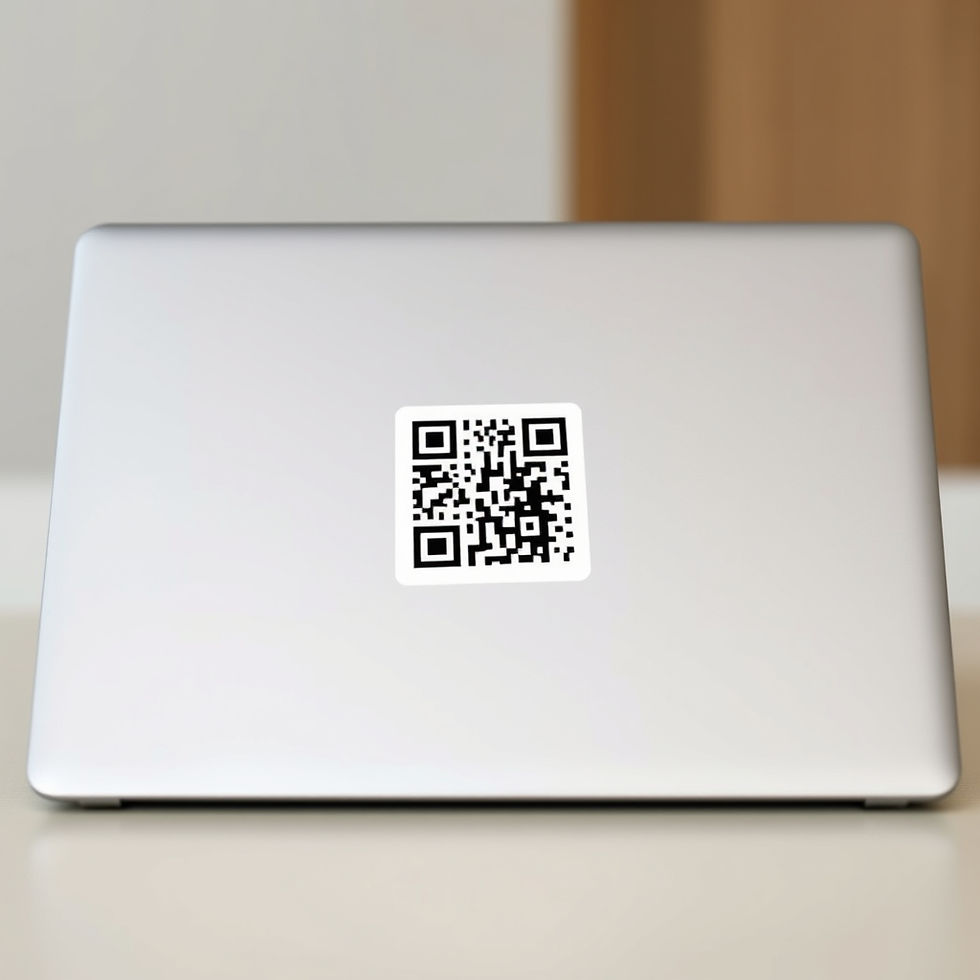
When I first explored asset management solutions, I realized that manual tracking was prone to errors and time-consuming. Using an asset label QR code generator changed everything. It allows you to create unique QR codes for each asset, which can be scanned instantly to retrieve detailed information.
Here’s why it works so well:
Speed: Scanning a QR code takes seconds, compared to searching through spreadsheets or paper logs.
Accuracy: Reduces human error by automating data retrieval.
Accessibility: Information is available on any smartphone or tablet with a QR scanner.
Cost-effective: No need for expensive RFID tags or complex hardware.
Imagine walking into a warehouse and scanning a QR code on a piece of equipment to instantly see its maintenance history, location, and user manual. That’s the power of QR code labels.

How to Implement QR Code Labels in Your Asset Management
Implementing QR code labels is easier than you might think. Here’s a step-by-step guide to get started:
Inventory Your Assets
Begin by listing all assets you want to track. Include details like serial numbers, purchase dates, and locations.
Generate QR Codes
Use a reliable qr code generator for asset labels to create unique codes for each asset. These codes can link to a database or a cloud-based asset management system.
Print and Attach Labels
Print the QR codes on durable labels suitable for your environment. Attach them securely to each asset.
Train Your Team
Ensure your staff knows how to scan QR codes and update asset information using mobile devices or scanners.
Monitor and Update
Regularly update asset data to keep records accurate. Scanning QR codes should be part of routine checks.
This approach not only simplifies tracking but also enhances accountability and transparency.
Benefits Beyond Basic Tracking
You might wonder, “Is it just about scanning and tracking?” Not at all. QR code labels open doors to advanced asset management features:
Maintenance Scheduling
Link QR codes to maintenance logs. When scanned, users can see upcoming service dates or report issues immediately.
Real-Time Location Tracking
Combine QR codes with IoT devices to monitor asset locations in real time, reducing loss and theft.
Data Analytics
Collect data from scans to analyze asset usage patterns, helping you make smarter purchasing and deployment decisions.
Integration with Other Systems
QR code labels can integrate with inventory, accounting, and ERP systems, creating a unified workflow.
These benefits translate into reduced downtime, lower costs, and improved operational efficiency.
Choosing the Right QR Code Generator for Asset Labels
Not all QR code generators are created equal. When selecting one, consider these factors:
Customization
Can you add logos, colors, or specific data fields to your QR codes?
Durability of Labels
Are the printed labels resistant to water, heat, and abrasion?
Data Security
Does the generator support encrypted links or password protection?
Integration Capabilities
Can it connect with your existing asset management software?
User-Friendly Interface
Is it easy for your team to generate and manage codes without technical expertise?
Using a trusted qr code generator for asset labels ensures you get a solution tailored to your business needs.
Making the Most of QR Code Labels in Daily Operations
Once your QR code labels are in place, how do you maximize their value? Here are some practical tips:
Regular Audits
Schedule periodic scans to verify asset locations and conditions.
Instant Reporting
Enable staff to report damages or issues by scanning the QR code and filling out a quick form.
Training and Support
Keep your team updated on best practices and new features.
Mobile Accessibility
Use mobile apps that support offline scanning for areas with poor connectivity.
Backup and Recovery
Ensure your asset data is backed up regularly to prevent loss.
By embedding these habits, you turn asset management from a chore into a strategic advantage.
Embracing the Future of Asset Management
The world is moving fast, and so should your asset management. QR code labels are just the beginning. When combined with RFID and IoT solutions, they create a smart ecosystem that empowers businesses to:
Reduce manual errors
Speed up workflows
Make data-driven decisions
Enhance asset lifespan and utilization
TheScanHub is committed to helping businesses adopt these smart technologies. By simplifying asset management with QR code labels, you’re not just keeping track of your assets—you’re unlocking new levels of efficiency and control.
Ready to transform your asset management? Start with an asset label QR code generator and watch your operations become smoother and smarter every day.


